|
Checking your Modem using HyperTerminal |
| Note: | This document assumes you have already installed HyperTerminal during the initial installation of Windows 95 or Windows NT 4.0. If you need to install HyperTerminal, open Control Panel/Add/Remove Programs/Windows Setup/Communications, and add HyperTerminal. Have your original Windows CD handy. |
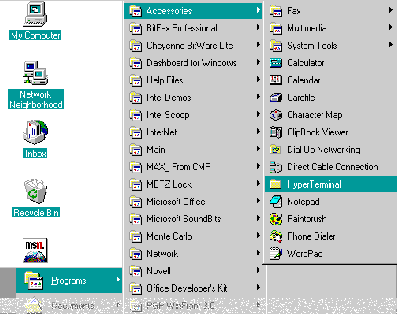
HyperTerminal Setup
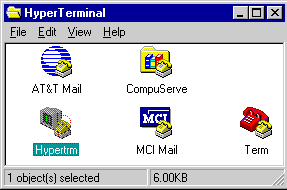
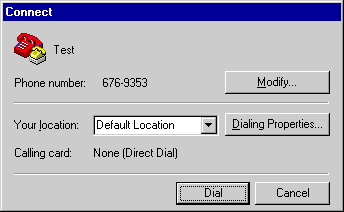
Below you will see the opening screen in HyperTerminal:
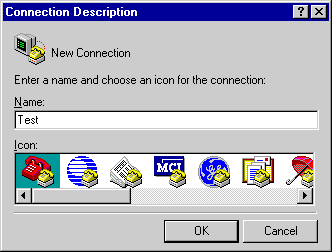
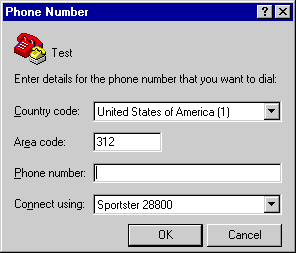
Below is an example of what the Terminal screen looks like:
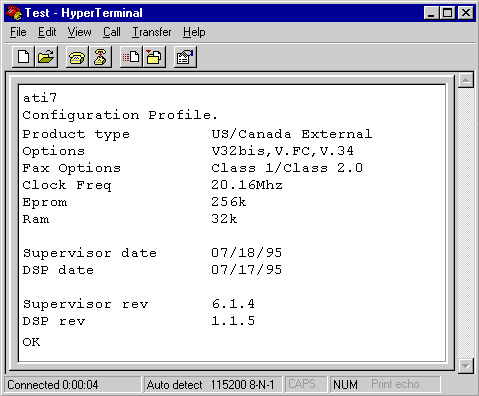
You can treat the above Terminal window just like Windows 3.1 Terminal.
Checking your Modem
The following section will show you how to check your modem settings, and/or how to add a new modem.
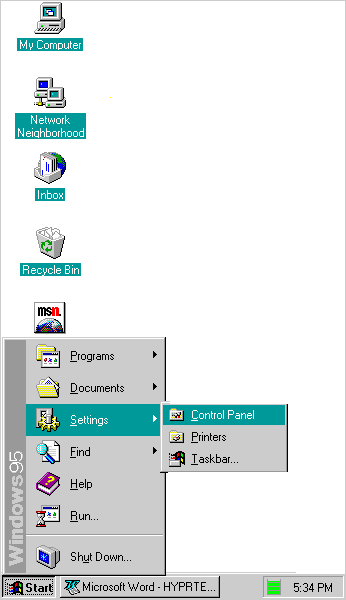
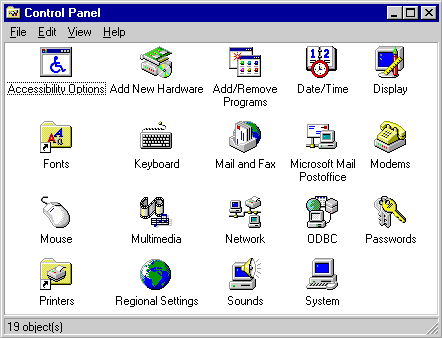
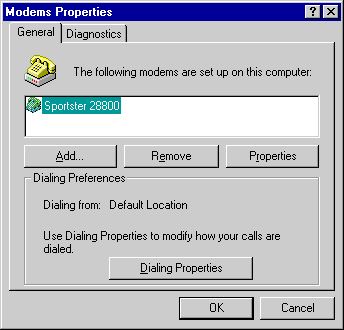
Under General you’ll see the below screen:
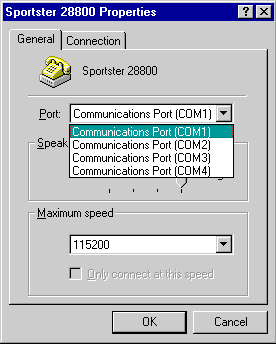
Under Connection(below):
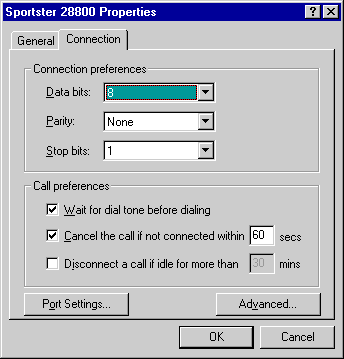
Under Connection/Port Settings(below):
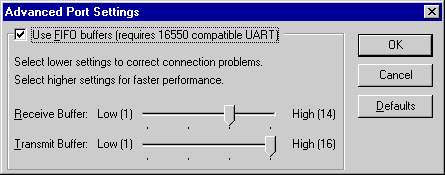
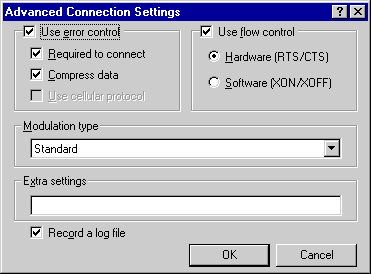
Under Connection/Advanced(below):
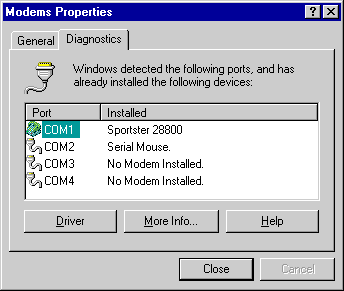
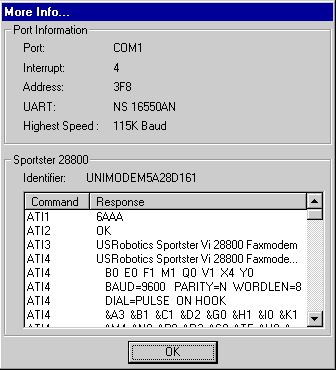
Under the Diagnostics section, you should see something similar to the below:
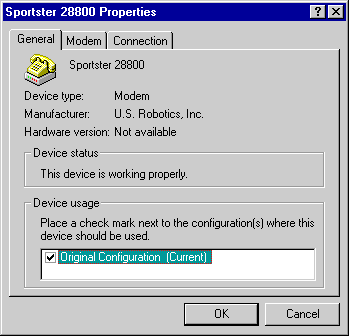
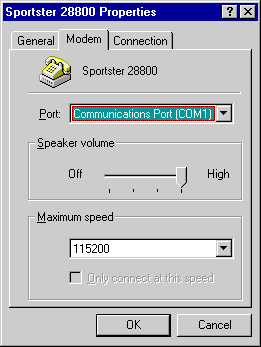
Below is an example of the Modem properties Modem tab:
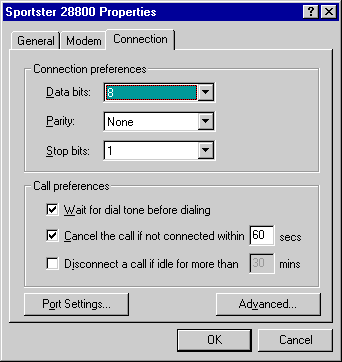
The last tab, Connection, is shown below:
The two methods are basically the same, just different ways of accessing information on your communication hardware.