Voice: (800) 827-6364
America Online v5.0 for Windows:
DIP Switches: 3, 5, 8 DOWN (ON)
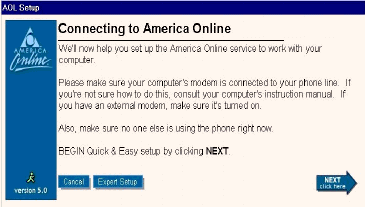
Start Windows and run SETUP.EXE from your America Online CD-ROM or 3.5-inch diskette. Allow the program to search your system's hardware and software. Click Next to Install .
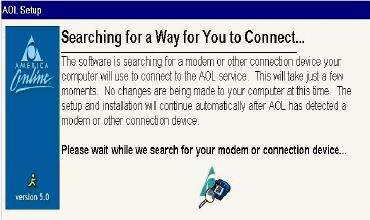
The software will now search for any modems or connection devices in your computer.
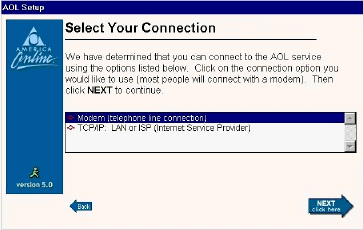
AOL will display the connection options. Choose your modem from the list provided.
After selecting the modem the software will now prompt a search for Local Access Numbers for your area.
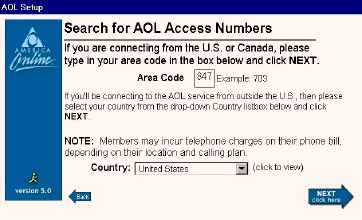
Your modem will go off hook and dial into AOLs Server for a list of available Local Access Numbers.
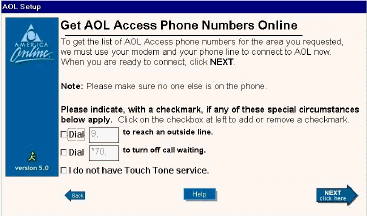
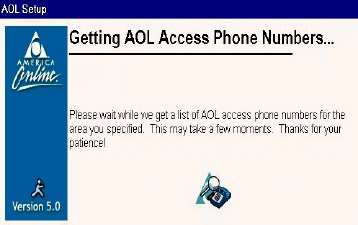
It may take a few moments to list all AOL Access Numbers for your Area.
A screen displaying all Access numbers for your area will appear. Choose at least two Local Access Numbers.
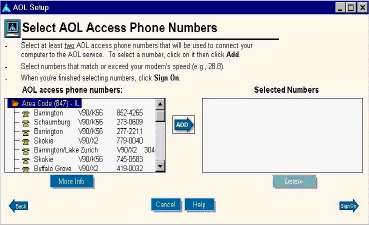
AOL will dial the first of the two Access Numbers chosen from the list. Fill in your Registration number and Password. The sign up process is completed.
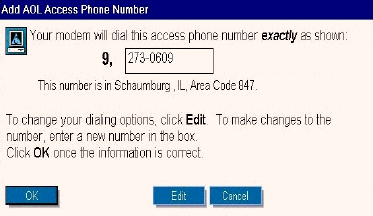
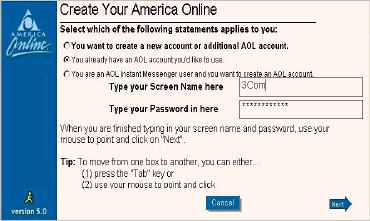
Expert Setup: Change Modem settings and Edit Commands.
To change your modem's settings launch AOL and click Setup.
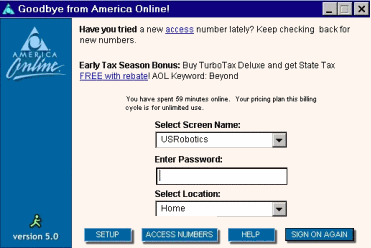
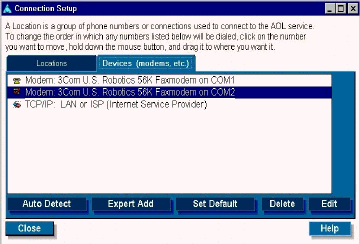
To modify your settings click on the Expert Setup button located at the bottom left hand side of your screen.
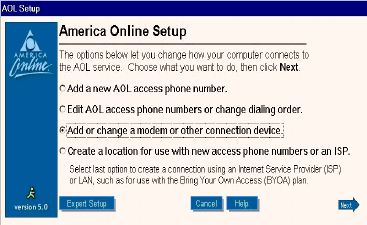
Click on the Devices (modems, etc) Tab and point to the Edit Tab located at the bottom right hand side of your screen.
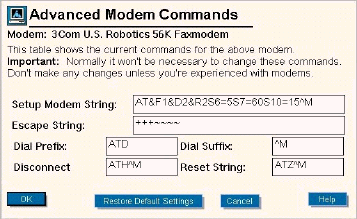
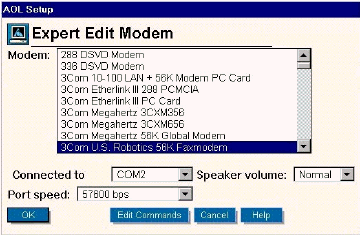
A list of available modems from which to choose will appear. If none of the modems listed appear to be the exact model you own, choose a U.S.Robotics modem with the same speed as your unit, and click OK. To modify your Modem's Initialization string click the Edit Commands button.
Edit Commands:
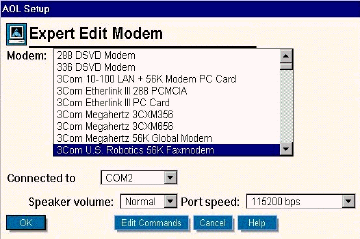
The "Advanced Modem Commands" screen is reached by clicking Edit Commands.